How to Choose a Label Printer Based on Color Range
Select a label printer by matching its color gamut and consistency features to your specific brand standards. Evaluate substrate, technology, and calibration capabilities before purchasing.
- Match the printer's color gamut to your brand's specific Pantone or CMYK requirements.
- Verify the technology's ability to maintain color consistency across different substrates and ink types.
- Test sample runs on production materials to confirm visual match before committing to a machine.
- Factor in calibration frequency and maintenance requirements when calculating long-term costs.
Defining Your Color Requirements
Start with the specific color values you must reproduce. Do not assume a standard CMYK profile will satisfy your needs. If your brand uses specific spot colors or vibrant metallics, a standard four-color inkjet or thermal transfer printer may fail to match the target. A Pantone matching attempt on a generic four-color setup often results in a duller tone because the specific hue and saturation cannot be isolated from the surrounding inks.
Identify the source files. If your artwork is built on a specific profile, such as a coated paper ICC or a specific brand standard, the printer must be capable of simulating or reproducing that profile accurately. This step prevents costly reworks and rejects during inspection. For example, a label designed for a glossy coated stock using a specific ICC profile may print with a different ink density on uncoated paper, even if the same four inks are used. The surface texture changes how the ink spreads and reflects light.
Determine your tolerance for variation. A pharmaceutical label requires tighter color consistency than a cosmetic sample pack. Define the acceptable Delta E (color difference) value before evaluating machines. If your tolerance is Delta E less than 2, you need a machine with precise ink delivery and strong calibration controls. If your tolerance is Delta E less than 5, a broader range of technologies may be acceptable.
Check the file preparation. Ensure your artwork uses the correct color mode. If you are sending RGB files to a printer that works in CMYK, the conversion process will alter your colors. Specify whether you want the printer to perform the color conversion or if you will provide pre-converted files. Misunderstanding this step often leads to unexpected color shifts that the vendor cannot fully correct.
Evaluating Printing Technology Options
Different technologies produce different color ranges. Each method has distinct limitations based on the inks or toners it uses.
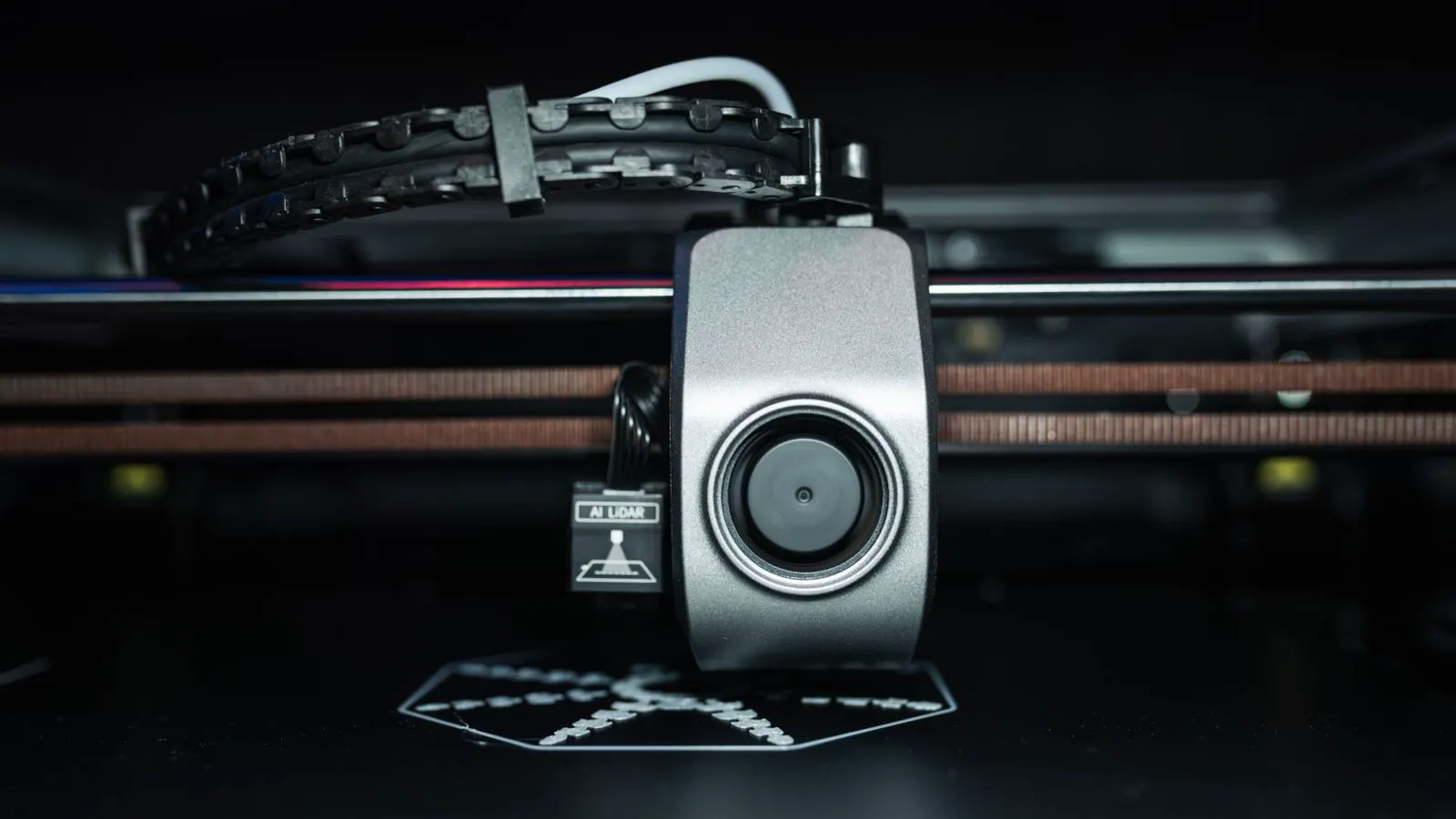
- Digital Inkjet: This technology offers high resolution and broad color gamuts, especially with six or eight color heads. It excels at gradients and photographic quality. However, it can struggle with opaque white inks on dark substrates or metallic inks that require specific curing. For instance, a clear polyester label printed with a standard white ink may look translucent unless multiple passes of white ink are applied. This requires precise ink flow control to avoid banding.
- Thermal Transfer: This method uses ribbon and heat. It is known for durability and scratch resistance. The color range is often limited to the specific ribbons available. Standard ribbons cover CMYK, while specialty ribbons add metallics or high-opaque whites. The quality of the transfer depends heavily on the ribbon type and the heat settings. A high-gloss ribbon produces a different finish than a matte one, altering the perceived color intensity.
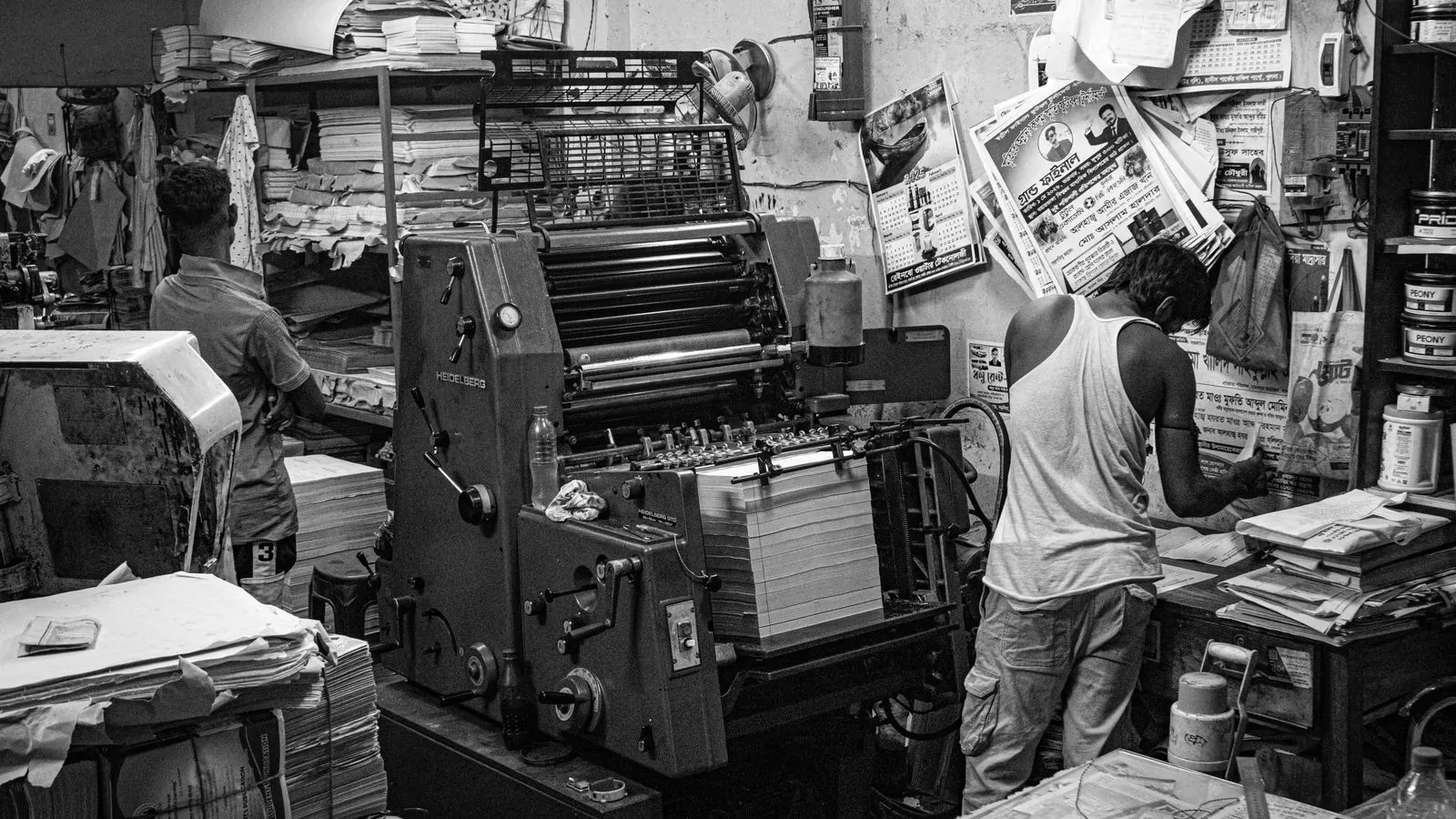
- Offset Lithography: For high volumes, offset offers excellent color consistency. It uses CMYK inks plus optional spot colors. It provides precise control over ink density and dot gain, making it ideal for large runs where every label must look identical. Offset machines are sensitive to humidity and temperature, which can affect ink drying and registration. Consistent environmental control is required to maintain color stability over long runs.
- Digital Offset (HP Indigo style): This hybrid approach uses liquid inks and offset plates. It bridges the gap between high-volume offset consistency and short-run digital flexibility. It typically offers a wider gamut than standard offset, particularly in the red and blue areas. The liquid ink technology allows for better color density and a sharper image, but the plates must be replaced regularly to maintain precision.
The Role of Substrate
The material under the ink affects the final color output. A white ink on a clear polyester label looks different than the same ink on a matte paper label.
Consider the substrate’s surface energy. Low-energy materials like polyethylene or polypropylene require special inks or a primer to ensure adhesion and color depth. If your label material is difficult, check if the printer technology supports the necessary inks. A printer that handles standard paper may not be compatible with the specialty inks needed for flexible films. Without proper adhesion, the ink may crack or peel, exposing the base material and ruining the color appearance.
Also consider the substrate’s thickness. Thick labels can absorb more ink, changing the density. Thin films may show the ink layer thickness as a variable. This variability impacts color consistency over time if the substrate source changes. A slight difference in film gauge can alter how the ink spreads, leading to a lighter or darker final tone.
Check the substrate’s gloss level. High-gloss surfaces reflect light directly, making colors appear more vibrant. Matte surfaces scatter light, which can mute the saturation of certain hues. When selecting a technology, ensure the inks are compatible with the surface finish. Some inks require a primer to bond properly to low-gloss or textured surfaces, which adds a step to the production process.
Calibrating for Color Consistency
Color consistency is not just about the maximum color range. It is about maintaining that range across shifts, days, and batches.
Evaluate the printer’s calibration features. Look for built-in sensors that measure ink density and colorimetric values. These sensors allow the machine to adjust ink flow or temperature in real-time. Without this feedback loop, an operator must rely on manual spot checks, which increases the risk of drift. Manual checks are useful for troubleshooting but are not a substitute for automated monitoring in high-speed production.
Ask about the required calibration frequency. Some high-end digital machines calibrate every few hundred labels. Others require a full calibration at the start of every shift. The more frequent the calibration, the higher the cost of consumables. Weigh this against the cost of rejects. A machine that requires daily calibration may consume more ink or toner than one that stays stable for weeks, but it may produce fewer off-spec labels.
Check the calibration data. Ask if the machine can log calibration results over time. This data helps identify trends, such as nozzle wear or ribbon degradation, before they cause significant color shifts. Without this history, you may not notice a gradual drift until a full batch fails inspection.
Consider the operator training requirements. Some machines require specialized technicians to perform calibration. If your facility has limited technical staff, a machine that requires complex setup may not be suitable. Look for systems that offer guided calibration procedures or automated routines that can be triggered by a simple button press.
Criteria Table for Selection
Use this table to compare potential machines against your specific needs.
| Criterion | What to look for | Why it matters |
|---|---|---|
| Color Gamut | Verify if it supports 6/8 color or specialty inks (metallic, white). | Ensures you can reproduce your exact brand colors. |
| Substrate Compatibility | Check the list of supported materials (paper, BOPP, PET, PE). | Prevents purchasing a machine that cannot handle your label material. |
| Calibration Speed | Measure time required for a full calibration cycle. | Shorter times mean more machine uptime and less downtime risk. |
| Ink/Cartridge Options | Identify available inks and their color profiles. | Determines the practical limits of your color output. |
| Maintenance Requirements | Review routine cleaning and part replacement intervals. | Affects long-term operational cost and labor needs. |
Practical Testing Steps
Do not rely solely on vendor brochures. Request a sample run. Send your actual artwork and substrate samples to the vendor or a local print partner.
- Print a test sheet containing your most critical brand colors and gradients.
- Compare the printed sample against your master standard under a standard lightbox.
- Check the sample after 24 hours to ensure the inks have cured properly.
- Evaluate the sample for any color banding or misregistration issues.
- Ask the vendor about the specific ICC profile used for the test print.
If the vendor cannot match your standard on the first try, ask why. The answer will tell you a lot about their technical support and the machine’s actual capabilities. A machine that requires extensive manual adjustment to hit a standard color may not be suitable for a facility that demands tight tolerances. Look for vendors who provide a written explanation of their color management process. This document should outline how they handle color conversion, calibration, and verification.
Test the substrate handling. If your label is a flexible film, check how the machine feeds it. Poor feed mechanisms can cause wrinkles or misalignment, which affects color registration. A machine that struggles with your specific material may require additional pre-pressing or conditioning steps, which increases production time and cost.
Verify the curing process. For thermal transfer or inkjet on films, the ink must cure fully to resist scratches and chemicals. If the sample shows ink smudging or fading after a simple wipe test, the curing process is insufficient for your application. This is a critical check for labels that will be exposed to abrasion or harsh environments.
Maintenance and Long-Term Consistency
Color consistency degrades over time. Nozzle clogs, ribbon wear, and plate wear all affect output.
Understand the maintenance plan. Digital inkjet machines require regular flushing to keep nozzles open. Thermal transfer requires ribbon and print head cleaning. Offset requires plate replacement and ink mixing. A clear maintenance schedule prevents unexpected downtime and color shifts. Ask for a written maintenance plan that includes part numbers and recommended replacement intervals.
Factor in the cost of consumables. A low-cost printer might have high ribbon or ink costs. A high-cost printer might have lower consumable costs due to higher efficiency. Calculate the cost per label, including the consumables needed to maintain color quality. Do not just look at the sticker price of the machine. The total cost of ownership includes the ongoing expense of inks, ribbons, plates, and cleaning solutions.
Also consider the availability of parts. If a specific cartridge or ribbon is hard to find, downtime can be extended. Check the lead time for critical parts before signing a purchase order. If a part has a lead time of several weeks, you may need to stock an extra unit to avoid production stoppages.
Check the warranty terms. Some warranties cover only the machine components, not the ink or ribbon. Clarify what is covered and for how long. A machine with a short warranty may require you to replace critical parts sooner, impacting your long-term color consistency and budget.
Decision Checklist
Run through this checklist before making a final decision.
- Do I have a defined color standard (Pantone, CMYK profile, or digital swatch)?
- Is my label substrate compatible with the proposed technology?
- Does the machine support the required ink types (e.g., opaque white, metallic)?
- What is the calibration frequency and time required?
- Have I reviewed the cost per label including consumables?
- Have I tested the machine with my actual artwork and material?
- Is technical support available for color troubleshooting?
- Is the maintenance plan clear and affordable?
If you cannot check these boxes, the machine is not ready for your production line. Go back to the evaluation stage. The cost of a mismatched machine is far higher than the cost of a few extra weeks in selection. A machine that cannot meet your color and substrate requirements will lead to rejects, reworks, and lost customer trust. Take the time to verify every detail before you commit.
Frequently asked questions
Can a standard thermal transfer printer handle metallic colors?
Yes, but only if you use specialty metallic ribbons. Standard thermal transfer ribbons are typically CMYK and may not provide the metallic effect required for premium branding.
How often should I calibrate a digital inkjet label printer?
Calibration frequency depends on the machine model and production volume. Many digital machines recommend calibration at the start of every shift or every few hundred labels to prevent drift.
Is offset printing only for large runs?
Traditionally, yes. Offset requires plate making and setup time that makes it less cost-effective for short runs. However, digital offset technologies have lowered the barrier for shorter batches.
What is the main difference between CMYK and Pantone color reproduction?
CMYK is a process system that mixes cyan, magenta, yellow, and black to create colors. Pantone is a spot color system that uses a single, pre-mixed ink for a specific hue. They do not always match exactly.
Does the substrate color affect the final label color?
Yes. Printing on a colored substrate will alter the perceived color of the ink. White inks are often needed to mask the substrate color, which can impact cost and drying time.