Offset vs Digital: Cost and MOQ for Label Projects
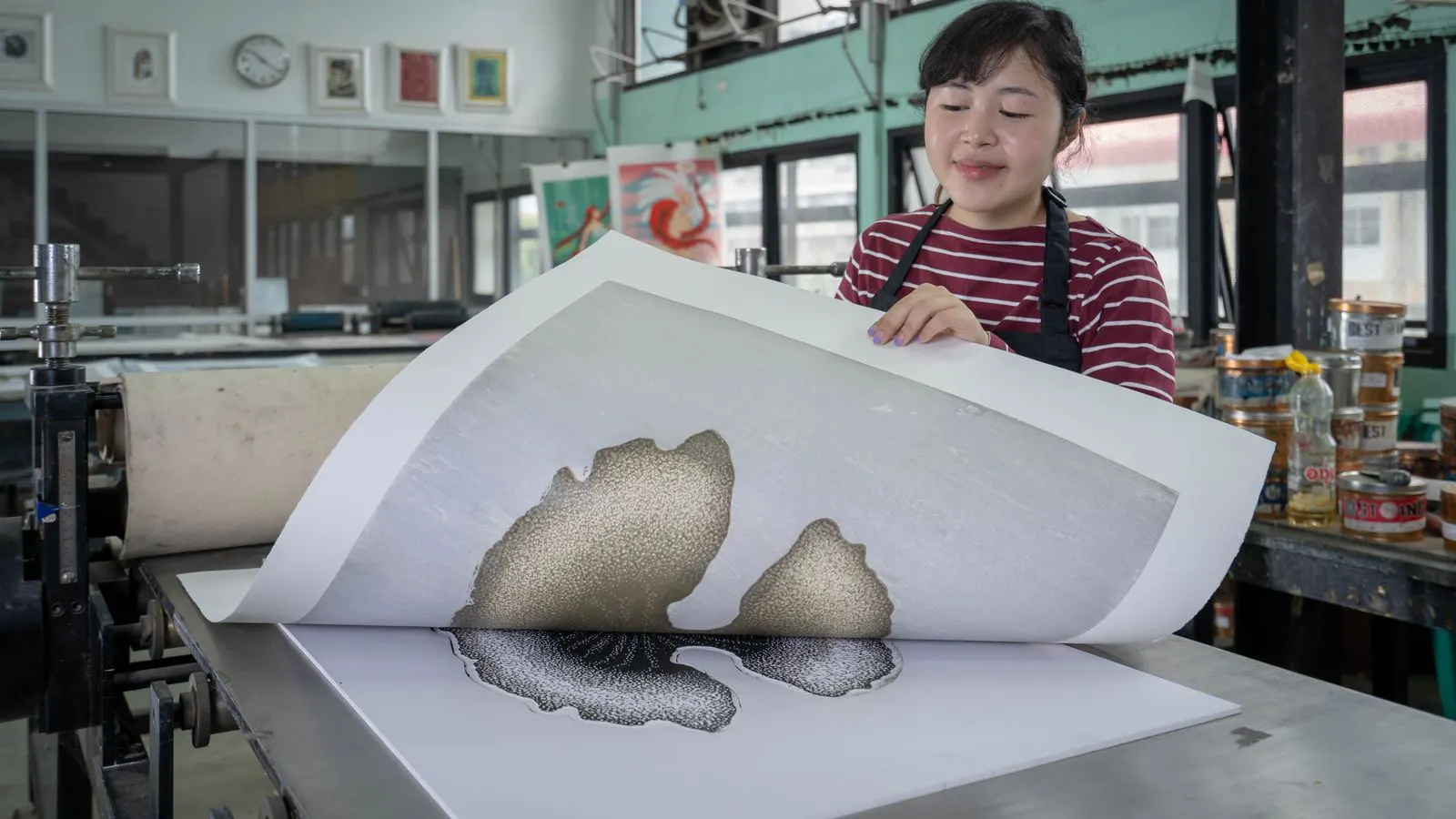
Offset printing offers lower unit costs but requires higher minimum order quantities. Digital printing provides low minimum order quantity flexibility with higher per-unit pricing. Procurement managers must weigh volume against production speed and setup complexity. The choice depends on run size, material, and turnaround.
- Offset printing becomes cost effective when run sizes exceed several thousand labels.
- Digital printing handles low minimum order quantities without significant setup penalties.
- Material and finish choices affect cost more than the print process for small runs.
- Hybrid workflows allow short runs to start on digital and move to offset later.
- Always request a full quote including setup, material, and finishing costs.
How minimum order quantity shapes your print decision
The minimum order quantity determines which print method fits your production needs. Procurement managers often focus on unit price first, but the true cost includes setup fees, material waste, and delivery speed. A low minimum order quantity is a practical advantage when demand is uncertain or when testing new designs. It protects the budget against the risk of printing more labels than the market will absorb.
Offset printing uses a master plate and multiple color units. It works best for steady production runs. Digital printing places images directly onto the label material. It skips the plate creation step and allows short runs. The choice between these two methods depends on your volume and tolerance for setup time.
Consider a new household cleaning product launching in three different regions. If the brand manager expects to sell 20,000 units in the first month, offset printing provides a lower cost per unit. If the brand is unsure about packaging acceptance in those regions, digital printing allows for 500 units per region to test the market. The minimum order quantity dictates whether the buyer can afford to test.
What drives cost in each print method
Offset printing has high initial costs. You pay for plates, press calibration, and drying time. The unit price drops as the run length increases. The cost per label falls quickly after the first few thousand units. This makes offset ideal for products with predictable demand and long shelf life.
The plate creation process involves separating each color into a metal or photopolymer plate. For a standard four-color label, that is four plates. Each plate must be aligned with the others on the press. This alignment, or registration, takes time and requires skilled press operators. If the plates are not aligned correctly, the colors will shift, causing blurry edges and color bleeding. The setup cost covers this labor and the physical cost of the plates.
Digital printing has lower setup costs. There are no plates to create or align. The machine loads the digital file and prints directly. Unit costs stay higher than offset for the same run size. However, digital avoids the risk of overproduction. If a design needs a change, you can adjust the file and print the next batch without re-creating plates.
Digital presses use inkjet or toner technology to apply color. The cost structure is different because the machine charges for the job, not per plate. A 500-unit run on a digital press costs more per unit than a 5,000-unit run on an offset press. However, the total cost for the 500 units might be significantly lower than the total cost for 5,000 offset units, because there are no plate fees. The decision hinges on the total cost of the specific quantity needed.
Comparing offset and digital for label projects
| Option | Best for | Limitations |
|---|---|---|
| Offset printing | Large runs, consistent designs, lower unit cost | High minimum order quantity, longer setup time, plate costs |
| Digital printing | Small runs, frequent design changes, short lead times | Higher unit cost, limited color options on some materials |
| Hybrid workflow | Staged production, testing, long-term contracts | More complex coordination, potential for mixed quality |
| Flexographic printing | Specialty materials, large formats, complex designs | High setup cost, limited short-run capability |
| Gravure printing | Extremely high volume, uniform color, premium stock | Very high minimum order quantity, long lead times |
Offset printing suits stable products. Think of beverage cans, food containers, and household goods. The design stays the same for months or years. The high setup cost is justified by the volume. Digital printing suits seasonal products, promotional items, and short-term campaigns. The design may change every quarter or even every month. The lower minimum order quantity protects your budget.
Flexographic printing sits between offset and digital in terms of cost and capability. It uses flexible rubber plates that can print on a wider range of substrates, including paper, plastic, and metal. It is often used for corrugated boxes and flexible packaging. The minimum order quantity is usually higher than digital but can be lower than offset for certain configurations.
Gravure printing uses rotating cylinders with etched images. The ink is a liquid that is transferred to the label. This method produces extremely uniform color and is ideal for high-volume runs of premium stock. However, the cylinder costs are high, and the lead time is long. It is rarely used for short runs.
When to pick offset printing
Choose offset when your run size exceeds several thousand labels. The unit cost advantage becomes significant at that point. Offset also works well when you need high color consistency across a large batch. The press applies ink in a controlled manner. The result is uniform coverage and sharp details.
Offset is not ideal for projects with tight deadlines. Plate creation and press calibration take time. If you need labels in a few days, offset may not fit. Material selection also matters. Offset works best with smooth, coated stocks. Textured or irregular surfaces may cause ink adhesion issues.
For example, a pharmaceutical company producing a generic medication bottle label for a year requires consistent branding and cost control. The design is static. The run size is 50,000 units per quarter. Offset printing is the logical choice. The setup cost is amortized over a large number of units. The press can run for hours without stopping. The quality remains high because the plates are durable.
Offset printing also allows for a wider range of finishing options. Die cutting, lamination, and embossing are easier to execute when the label stock is flat and consistent. The press can run at higher speeds, reducing the time per unit. This speed is critical for large production runs where time is a factor.
When to pick digital printing
Select digital when your minimum order quantity is low. A few hundred labels may be enough for a pilot run or a local campaign. Digital handles these runs without waste. The file goes directly to the printer. You avoid the cost of unused plates or extra material.
Digital also allows fast design iteration. If a customer requests a color change or a logo update, you can adjust the file and print the next batch. This flexibility is valuable for short-term projects. Digital works on a wider range of materials. It can handle textured stocks, foils, and specialty papers. The limitations are mostly in color range and speed for very large runs.
Consider a fashion brand that releases new collections every season. The label design changes with each collection. The run size for each design is limited to a few thousand units. Digital printing allows the brand to print small batches of each design. If a design is not selling well, the brand can stop printing it quickly. With offset, the brand would have to print a large quantity of a design that may not be sold, leading to waste.
Digital printing is also useful for variable data. If each label has a unique serial number or QR code, digital printing can handle this easily. Offset printing would require a separate process to add variable data, which increases cost and complexity. This is particularly useful for anti-counterfeiting measures or for tracking inventory.
How to calculate total cost per unit
Unit price is only part of the equation. You must include setup fees, material costs, finishing, and shipping. A low unit price may hide high setup costs. A higher unit price may include lower setup fees. Always compare the total cost for the same run size.
For example, a 5,000 label run on offset may have a high setup fee but a low per-unit cost. A 500 label run on digital may have a low setup fee but a higher per-unit cost. The total cost for each may be similar, but the risk profile differs. Offset carries the risk of overproduction. Digital carries the risk of higher per-unit cost.
A numbered list of cost drivers helps clarify the comparison:
- Plate and setup fees: Offset requires plates. Digital does not.
- Material cost: Both methods use the same label stock, but waste differs.
- Drying and curing: Offset may need longer drying time. Digital often cures faster.
- Finishing: Die cutting, lamination, and coating add cost to both methods.
- Shipping: Volume affects shipping cost. Small runs may have higher per-unit shipping.
When calculating the total cost, consider the waste factor. Offset printing requires a waste allowance for the press to reach a stable state. The first few labels are often discarded to ensure quality. Digital printing also has waste, but it is usually lower because the press is ready to print immediately. If the run size is small, the waste percentage is higher for offset than for digital. This can significantly impact the total cost.
Also consider the cost of inventory storage. If you print a large run of labels and they sit in storage for six months, you incur storage costs. Digital printing allows for just-in-time production. You print labels when you need them. This reduces storage costs and reduces the risk of the design becoming outdated.
Managing short runs and high minimum order quantities
Some vendors enforce high minimum order quantities to cover setup costs. This can be a problem for startups or small brands. A low minimum order quantity is a key factor in vendor selection. If a vendor requires a large run, ask why. The cost may be driven by plate creation or press time.
You can reduce the effective minimum order quantity by combining products. If you have three similar products, group them into one run. This increases the total volume and lowers the unit cost. You can also use digital for the first run and offset for later runs. This hybrid approach balances flexibility and cost.
Another option is to use a print-on-demand service. These services handle small runs and store the digital file. You order more when needed. The unit cost is higher, but the risk is lower. This works well for products with slow or unpredictable demand.
Combining products works best when the labels share the same size, shape, and material. If the products require different materials or finishes, the combination may not be possible. In that case, the hybrid approach is more effective. Use digital to print small batches of each product. When the demand for a product stabilizes and the run size increases, switch to offset for that product. This allows you to capture the cost savings of offset without committing to a large upfront run.
Print-on-demand services are useful for brands that do not have the capital to invest in large inventory. The service provider holds the digital file and prints the labels when an order is placed. The cost per unit is higher, but the brand does not have to pay for storage or waste. This is particularly useful for niche products or products with long lead times.
Final decision points for procurement managers
The right print method depends on your specific situation. Ask these questions before choosing:
- What is your expected run size for each product?
- How often will the design change?
- What is your timeline for delivery?
- What materials and finishes do you need?
- What is your total budget, including setup and shipping?
If your run size is large and stable, offset is likely the better choice. If your run size is small or variable, digital is likely the better choice. If you have a mix of both, consider a hybrid approach. Always request detailed quotes. Compare total costs, not just unit prices. The best print method is the one that fits your volume, timeline, and budget.
When requesting quotes, specify the exact quantity, material, and finishing options. Ask for the setup fee and the cost per unit. Ask for the lead time. Ask for the waste allowance. A detailed quote allows you to compare vendors on the same basis. It also helps you identify potential cost drivers that you may have overlooked.
Do not choose a vendor based on reputation alone. A reputable vendor may not be the best fit for your specific needs. A smaller vendor may offer lower minimum order quantities and faster turnaround times. Evaluate the vendor’s capability, not just their size. Ask for samples. Print a small test run to check the quality. This helps you assess the vendor’s ability to meet your requirements before committing to a large order.
Frequently asked questions
What is the typical minimum order quantity for offset label printing?
Offset printing usually requires runs in the thousands. The exact minimum varies by vendor and press setup. Some vendors may require 5,000 or more labels.
Can digital printing handle large volume runs?
Yes, digital can handle large runs, but the unit cost is higher than offset. For very large volumes, offset or flexo is usually more cost effective.
Do offset and digital use the same label materials?
Both can use many common materials, but offset works best with smooth, coated stocks. Digital handles a wider range of textured and specialty materials.
How do setup fees affect the total cost?
Setup fees are higher for offset due to plate creation. Digital has lower setup costs. The total cost depends on the run size and the specific vendor.
Can I switch from digital to offset later?
Yes, a hybrid workflow allows short runs to start on digital and move to offset when volume increases. This requires coordination between the two processes.