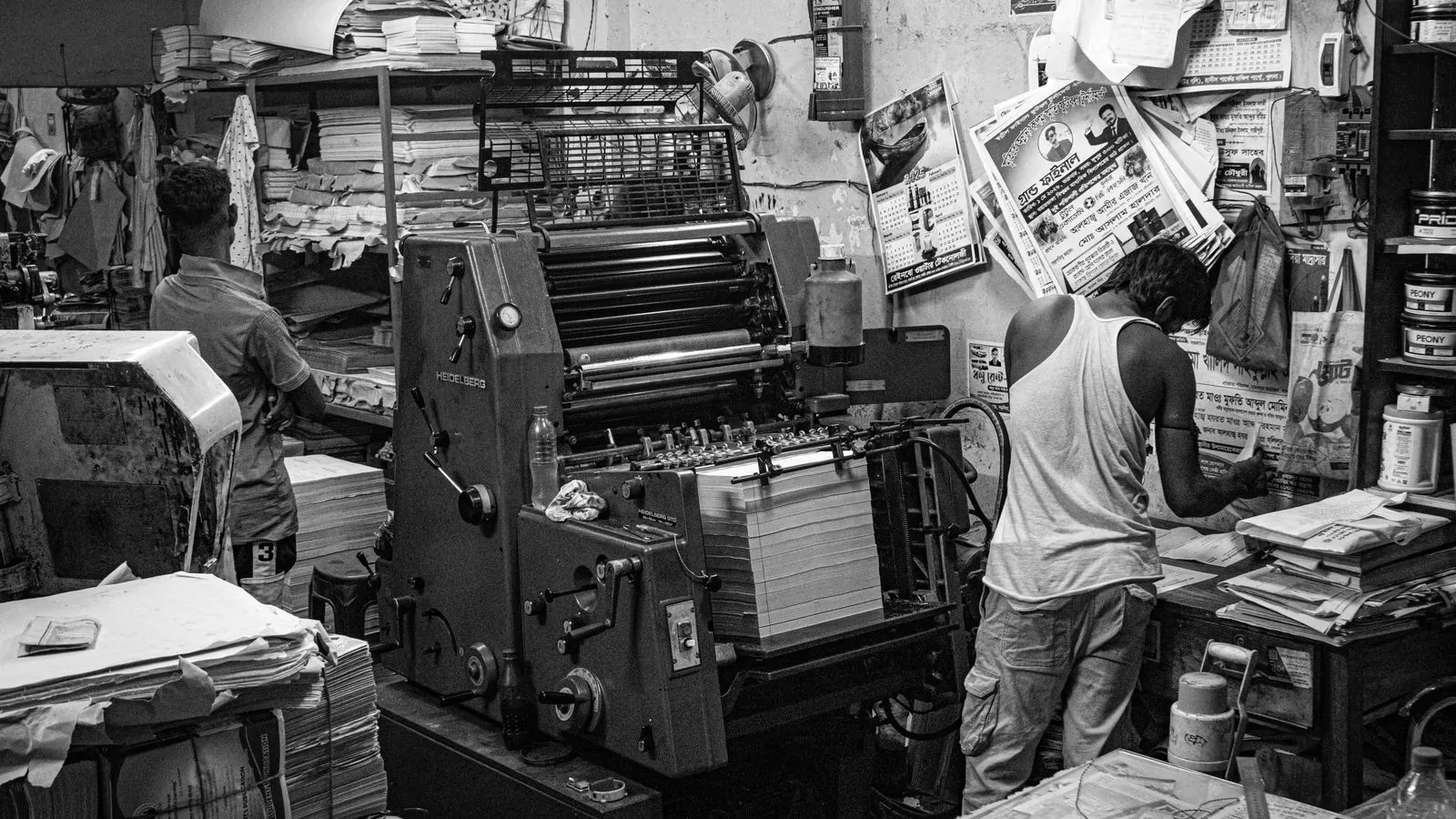
Explainer: Digital vs. Offset for Variable Data Packaging

Digital is better for high variation and short runs, while offset suits long runs with minimal change. Variable data packaging printing requires matching the press type to data complexity and order volume to control costs and accuracy.
- Digital press technology handles individual file changes per label or pack, making it the standard for short runs with high variation.
- Offset printing uses static plates, so it remains cost-effective for long runs where the data changes very little.
- Variable data packaging printing requires strict file management and prepress checks to prevent printing errors on short runs.
- The choice depends on run length, number of unique SKUs, and the tolerance for setup time versus unit cost.
- A hybrid approach often works best, where digital handles promotional or regional variations and offset handles the base design.
What makes variable data packaging different
Variable data packaging printing involves changing specific information on each unit. That information can be a batch code, a serial number, a regional price, or a promotional offer. It is not the same as printing a new design for every unit. A typical case is a standard box with a fixed logo and color scheme, but the barcode and lot number change. The fixed artwork remains static across the run, while the variable elements update per unit based on a data feed. This separation between static and variable content is the core mechanic of the process.
This type of work puts pressure on the press. The machine must handle a stream of unique files. It also requires the printer to manage file formats, data feeds, and quality checks. The choice between digital and offset depends on how much data changes and how many units you need. When the data is highly individualized, the production line must synchronize the physical movement of the packaging with the digital delivery of the correct information. A mismatch between the data stream and the print head can result in a unit receiving the wrong code or price. This is a significant source of waste and recall risk if not managed correctly.
How digital packaging print handles data
Digital packaging print uses toner or inkjet technology to print directly from a digital file. Each unit can be different. The press reads a new file for every label or pack. This allows for true individualization without changing plates or ink. The data is often stored in a database and pulled in sequence as the packaging moves through the machine. The system assigns a specific file to a specific physical location on the substrate.
The process is flexible. If you need a short run of 500 boxes with different regional codes, digital can handle it. The setup time is low. There is no plate creation. You send the file, and the machine prints. The printer receives a master template and a list of variables. The software merges the data into the template before sending it to the print head. This merge happens in real time or in near real time, depending on the speed of the press.
Digital also makes it easier to make changes. If a price changes after the first 100 units print, you can update the file for the next 100. This is a major advantage for seasonal or promotional packaging. It also helps with inventory management. You can print unique serial numbers for each unit to track movement from the factory to the point of sale. However, digital costs are higher per unit. For large volumes, the unit price stays elevated compared to offset. The economics shift as run length increases. Digital remains viable for complex, high-value items where the cost per unit is less significant compared to the value of the product.
How offset printing handles data
Offset printing uses a static plate. The plate holds the image for the entire run. If you want to change a batch code, you need to make a new plate. This takes time and money. The plate is a physical object, usually made of aluminum, that holds the ink for the image. Once the plate is set, the image is fixed. To change the code, you must stop the press, remove the old plate, and install a new one. This process is known as a plate change.
Offset is not bad for variable data, but it has limits. It works well when the data is static or changes rarely. For example, a single SKU with a fixed barcode and a lot number that changes at the end of the run. The printer can use a separate machine to add the lot number, or they can use a small digital insert. Some offset lines include a digital variable data head as an add-on. This head prints only the variable portion, such as the date and time, while the rest of the box is printed by the offset units.
Offset excels at long runs. The unit cost drops significantly as volume increases. The ink and paper costs are stable. The quality is consistent. The offset process uses a rubber blanket to transfer the ink from the plate to the substrate. This indirect method allows for very sharp, consistent prints. But if you have 200 unique SKUs, offset becomes impractical. You would need 200 plates, 200 setups, and a huge amount of waste. The time required to change plates for each SKU would halt production for extended periods.
Comparing cost, setup, and quality
The table below shows the general trade-offs for each method. The numbers are not fixed. They depend on the printer, the material, and the complexity of the job.
| Factor | Digital Packaging Print | Offset Printing |
|---|---|---|
| Setup Cost | Low. No plates needed. | High. Plates and ink mixing required. |
| Unit Cost | Higher per unit. | Lower per unit at volume. |
| Run Length | Best for short to medium runs. | Best for medium to long runs. |
| Variable Data | Easy. Each unit can be unique. | Difficult. Requires static plates. |
| Color Consistency | Good, but can vary by press. | Excellent. Very consistent across runs. |
| Changeover Time | Minutes. | Hours. |
Digital is the default for variable data when the run is short. Offset is the default when the run is long and the data is static. The break-even point varies. For a simple label, digital might be cheaper up to 5,000 units. For a complex box with foil, offset might win at 15,000 units. You need to ask your printer for a quote based on your specific file structure. The quote should include the cost of plate creation, the cost of the data merge service, and the cost of quality control checks. Do not compare the unit price in isolation. The total cost of ownership includes the time the press is occupied and the labor required to manage the data.
How to choose the right method
Start with the data. How many unique files do you have? If every unit is different, digital is the only practical option. If 90 percent of the units are identical and 10 percent have a small variation, you have options. The variation could be a different font size for a regional code or a slightly different color for a promotional code. The more unique elements you have, the more the cost of offset plate changes will increase.
Next, look at the run length. A run of 500 units with 500 unique barcodes goes to digital. A run of 50,000 units with one barcode goes to offset. A run of 5,000 units with 10 unique barcodes is the gray zone. You might use a hybrid approach. Print the base box on offset, then use a digital press to add the variable data on a separate label or sticker. This hybrid method allows you to capture the lower base cost of offset while using digital for the specific variable elements. The label can be a simple adhesive sticker that carries the variable code. This reduces the complexity of the offset run while addressing the regulatory requirement for unique codes.
Finally, check the material. Digital presses handle a wider range of paper stocks and substrates. Offset is limited to smooth, coated surfaces unless you use special inks. If you are printing on a textured paper or a flexible film, digital is often easier to source. Offset inks can behave differently on uncoated paper, leading to ink spread and poor definition. Digital toner or inkjet ink can adhere to a wider variety of surfaces without requiring extensive substrate preparation. The material choice also affects the drying time. Some digital inks dry instantly, while offset inks may require a drying oven. This impacts the speed of the production line.
A worked example
Imagine a beverage company launching a new brand in three regions. Each region has a different price point and a different regulatory code. The total run is 12,000 boxes. The design is the same for all three regions. The box dimensions are 200mm by 150mm by 80mm. The primary color is blue, with white text. The variable data includes the region name, the price in the local currency, and a unique batch code.
The company considers offset. They would print the base box on offset. That saves money on the base cost. But they need to add the regional codes. They can use a digital press to print the codes on a small label and stick it to the box. Or they can use a digital press to print the entire box. If they use offset for the base, the unit cost is lower. But the setup time for the digital label station adds time. They need to prepare the label stock and the adhesive. They also need to ensure the label adheres properly to the cardboard.
If they use digital for the entire box, the setup time is negligible, but the unit cost is higher. The digital press can handle the three regional variations in a single run. The data feed will automatically assign the correct price and code to each box based on the production sequence. The company must ensure the data feed is correct. A mistake in the data feed could result in boxes with the wrong price being sent to the wrong region. This would lead to financial loss and customer confusion.
The decision depends on the margin. If the margin is thin, offset for the base and digital for the code is better. If the margin is thick and the launch is urgent, all-digital is better. It gets the product to market faster. There is no single right answer. The right answer is the one that fits your volume, your data, and your timeline. The company should also consider the shelf life. If the product needs to be on the shelf within two weeks, the speed of digital is a decisive factor. If the product can wait for six weeks, the cost savings of offset become more attractive.
Common mistakes to avoid
The first mistake is assuming digital is always cheaper for short runs. It is, but only if the file structure is simple. If you are printing a complex 4-color job with special inks, the digital cost can climb. Special inks, such as metallics or varnishes, may require separate passes or special heads. This increases the time and cost per unit. Always get a quote for the specific job. Ask the printer how they handle special finishes. Do not rely on a generic price list. The price of a digital run is highly dependent on the complexity of the artwork and the data merge process.
The second mistake is ignoring prepress. Variable data files are large. They can crash a printer if they are not optimized. You need to send flattened files with embedded fonts. You need to check that the barcodes are scannable. A bad file wastes ink and paper. The data merge software requires the files to be in a specific format. Usually, this is a PDF or a structured XML file. The variables must be clearly defined in the file structure. If the font is not embedded, the printer’s system may substitute a different font, changing the layout of the text. This can shift the variable data into the wrong position on the box.
The third mistake is not checking consistency. Digital presses can drift. If you print 1,000 units over two days, the second day might be slightly darker. You need to ask the printer how they control color. Do they use a colorimeter? Do they print a proof for you to approve? The printer should perform a regular calibration. They should also print a test sheet at the start of the run, in the middle, and at the end. This allows them to catch any drift in ink density or registration. If the printer does not offer these checks, consider finding a different vendor. Consistency is not just an aesthetic issue. It is a brand integrity issue.
Final thoughts
Variable data packaging printing is a balancing act. Digital gives you flexibility. Offset gives you economy. The best choice is the one that matches your data complexity and your run length. Do not guess. Send your files to two or three printers. Ask them to quote both methods. Look at the total cost, not just the unit price. Look at the lead time. Look at the quality samples. The right press is the one that gets the right package to the shelf, on time, without errors.
Frequently asked questions
Can offset printing handle variable data at all?
Yes, but it is limited. Offset uses static plates, so it works best when the data is static or changes rarely. For high variation, digital is the standard.
What is the main cost difference between digital and offset?
Digital has a low setup cost but a high unit cost. Offset has a high setup cost but a low unit cost at volume. The break-even point depends on the job.
How do I know if my files are ready for variable data printing?
Check that the files are flattened and fonts are embedded. Verify that barcodes and codes are in the correct format. Send a proof to the printer for approval.
Can I switch to digital mid-run if my data changes?
Yes, that is a major advantage of digital. You can update the file for the next batch of units without stopping the press or changing plates.
What is the best way to ensure color consistency on a digital run?
Ask the printer to use a colorimeter for calibration. Request a physical proof that you can approve before the full run starts.